

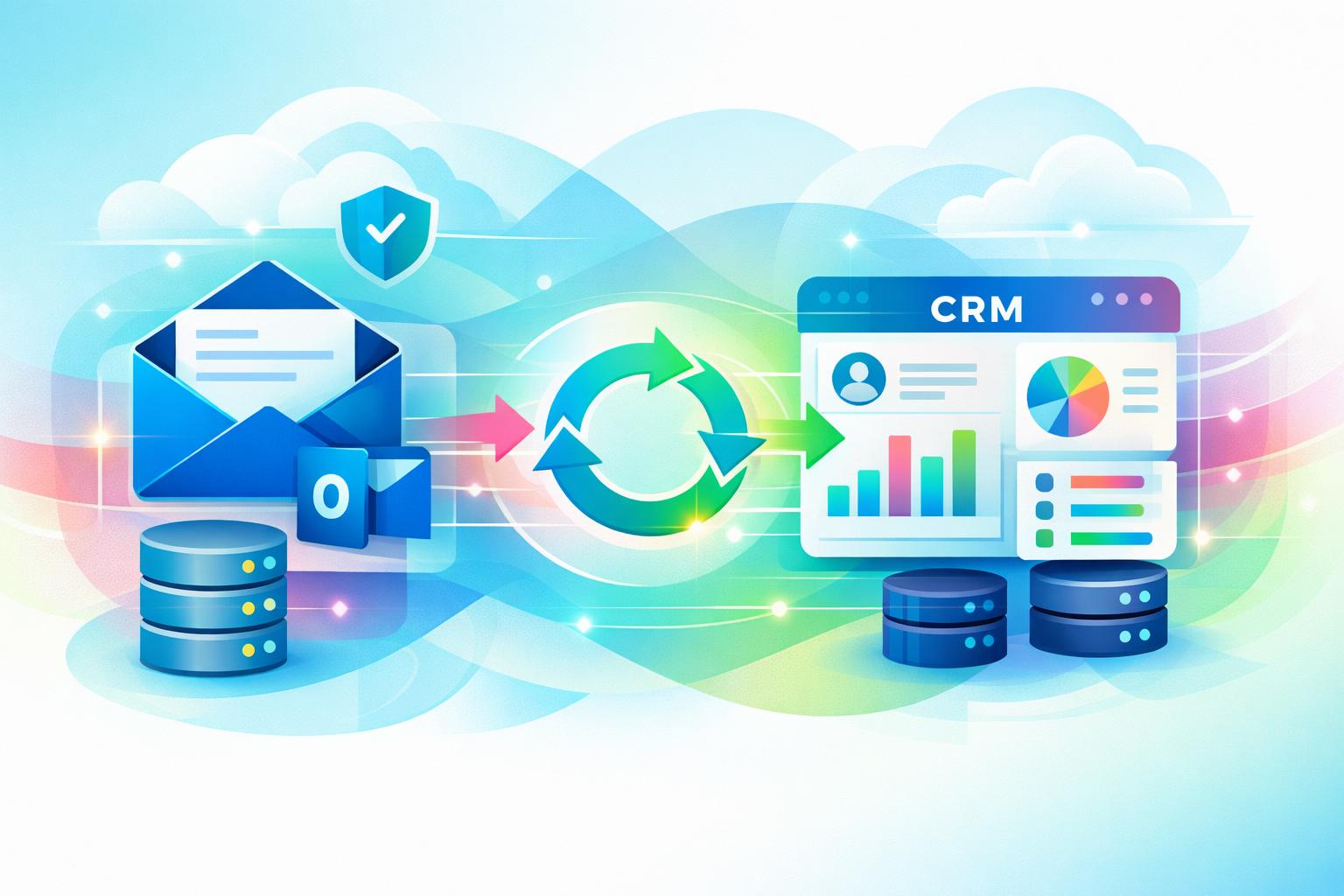
If your team still forwards emails or manually logs conversations into the CRM, valuable insights may be lost before they ever reach customer records. Learning how to sync email with CRM automatically eliminates this friction. By syncing directly from Outlook, you can keep every message attached to the right contact, without changing how your team uses email. This guide unpacks the setup process, privacy considerations, and key advantages of automatic Outlook-to-CRM syncing—showing you how platforms like MainFoundry transform scattered inboxes into clean, contextual timelines.
How to Sync Email With CRM Automatically Using Outlook
True automation happens at the server level. This allows emails to sync in both directions—meaning messages sent or received via Outlook, a mobile app, or even inside the CRM all appear in the same conversation thread. Modern CRMs like MainFoundry offer seamless Outlook integration that captures every email in the contact or company’s activity timeline, alongside calls, meetings, and notes.
To configure this setup, most CRMs follow a straightforward process. Within MainFoundry’s CRM platform, for instance, you’ll be prompted to connect an Outlook or Microsoft 365 account using secure OAuth authentication—no passwords required. You can then select which folders to sync, define how much historical data to include, and enable two‑way sync so every reply automatically threads to the right record.
Pro Tip: Start with a limited sync window—such as the last 90 days—to avoid flooding your CRM with outdated conversations during initial setup.
Once synced, the CRM automatically matches emails based on sender and recipient addresses. If a contact doesn’t exist, tools like MainFoundry suggest creating one immediately—saving you from tedious manual entry. The greatest advantage here is consistency: your CRM stays updated without requiring team members to take extra steps or break their normal Outlook routine.
Sync Rules, Privacy Controls, and Data Accuracy
Automation succeeds only when it’s guided by clear rules and strong privacy settings. Without those safeguards, teams either risk oversharing or abandon the feature altogether. Defining sync conditions—such as only capturing messages involving known contacts or excluding internal domains—strikes the right balance between visibility and confidentiality.
MainFoundry extends flexibility by offering folder-based and rule-based syncing. You can designate a specific Outlook folder for CRM‑eligible emails or rely on automatic address matching. Furthermore, executives and financial teams can keep their personal inboxes private while allowing shared mailboxes like sales@ or support@ to sync globally. This ensures transparency without exposing sensitive exchanges.
“Automatic email syncing only works when relevance is prioritized and privacy is protected.”
Accuracy depends on how well your CRM manages contact data. When multiple people from one company email your team, MainFoundry’s unified companies and contacts structure ensures their messages link to both the individual and the organization record. If a sync issue occurs, most can be resolved by re‑authorizing the mailbox or verifying that two‑way sync remains active.
Beyond just logging interactions, synced email enables deeper insights. With communication data flowing into connected marketing analytics dashboards and custom workspaces, teams can track response times, measure outreach patterns, and trigger automated workflows across the customer journey.
Key Takeaways
- Secure, two‑way Outlook integration keeps emails automatically attached to CRM records without manual logging.
- Clear sync rules and domain exclusions prevent noise while preserving relevant context.
- Privacy settings empower teams to manage visibility across personal and shared mailboxes.
- Accurate contact mapping relies on clean data and a unified CRM data model.
- MainFoundry extends these benefits by connecting synced email data to analytics and workflow automation.
When email sync just works, your CRM shifts from being a static database into a living conversation timeline. Explore how MainFoundry unifies Outlook and CRM data at mainfoundry.com or start a tailored discussion with their team via their contact page.