

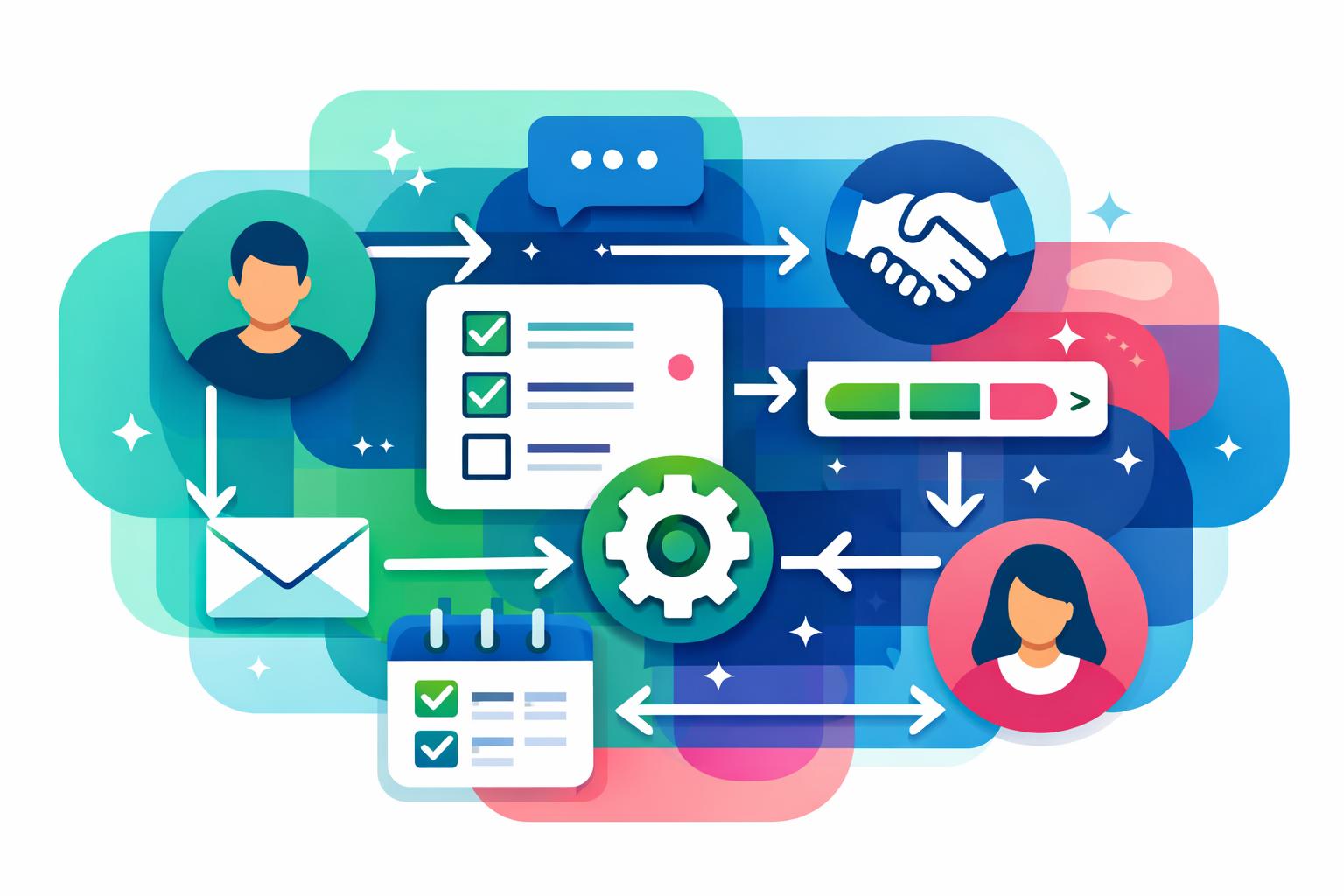
Learning how to set up customer onboarding workflows is a powerful way to strengthen customer relationships and drive business efficiency. Well-built onboarding processes reduce confusion, accelerate time to value, and create consistency across teams. In this post, you’ll discover a step-by-step framework for designing automated onboarding in your CRM and workspace, along with practical examples of how tools like MainFoundry make it simpler to manage everything without adding more software. You’ll also get clear guidance on sustaining scalability, clarity, and automation as your customer base grows.
Building Scalable Customer Onboarding Workflows
At its core, onboarding follows predictable stages: a deal closes, data is collected, tasks are assigned, and progress is tracked. Effective automation begins when these stages are clearly mapped and tied to real customer triggers. Once a contract is signed or subscription activated, your system should automatically create a linked onboarding record in the CRM. Integrating onboarding inside custom workspaces ensures new records are connected to customer accounts and workflows begin instantly.
Early communication sets the tone for the experience. Automated welcome sequences confirm next steps and direct customers to scheduling or setup materials. Successful workflows trigger these messages promptly—often within one day of signup. By aligning CRM data with marketing analytics inside MainFoundry CRM and marketing analytics, messages respond to real behavior rather than guesswork.
Behind the scenes, internal coordination ensures things move smoothly. Automating task templates for each onboarding stage removes reliance on memory or manual reminders. When a customer reaches a “Kickoff Scheduled” stage, tasks like agenda preparation and account verification can be automatically assigned. MainFoundry’s task management links these assignments directly to the customer’s record so context remains intact.
Milestone tracking brings visibility across teams. Each milestone—payment confirmed, kickoff completed, first use achieved—signals meaningful progress. Within a workspace, these milestones can appear on Kanban boards or integrated into customer profiles, allowing instant insight into where each account stands. The result is alignment across departments and fewer bottlenecks.
“Automation works best when each onboarding step is clear, measurable, and directly linked to customer actions.”
Time-based triggers add reliability across varying customer speeds. Automated reminders at seven, fourteen, or thirty days provide gentle nudges or escalate inactive accounts. This simple timing structure prevents silent drop-offs and keeps engagement high without overwhelming customers with excessive messaging.
Pro Tip: Define onboarding steps based on tangible outcomes, such as “first value delivered” or “training completed,” rather than internal tasks. It keeps progress customer-centric and measurable.
Running Onboarding Without Extra Tools
Many teams struggle with tool sprawl—adding CRMs, project managers, and automation apps just to keep onboarding moving. A unified approach keeps everything in one system. When onboarding resides directly in your CRM and workspace, all communications, tasks, and milestones remain linked to the customer record. In MainFoundry, these workflows operate inside a single platform connected to contacts and companies, eliminating data fragmentation.
This setup simplifies optimization and reporting. Each workflow step can be measured against outcomes like activation speed or long-term retention. If customers completing a kickoff call in the first week show higher engagement, you can re-sequence tasks accordingly. Over time, onboarding evolves from a checklist into a constantly improving process grounded in data.
Customer trust also grows through consistency. With secure, governed systems, onboarding can handle contracts, billing, and sensitive details safely. Using a business platform with a defined security framework reduces risks that arise when stitching processes across multiple tools.
Customers are most patient when they understand what’s happening and see steady progress—transparency beats speed every time.
Key Takeaways
- Design onboarding around triggers, milestones, and time-based automation to maximize clarity and reduce delays.
- Keep onboarding inside your CRM and workspaces for unified visibility and easier collaboration.
- Measure which onboarding steps improve outcomes and refine based on data, not assumptions.
- Safeguard sensitive customer details by using secure, governed systems aligned with your operational infrastructure.
- Explore MainFoundry to see how unified CRM data, custom workspaces, and automation workflows combine to deliver scalable onboarding.
Related Reading
Check out Building Unified Customer Data Workflows for more insights on leveraging CRM automation effectively.