

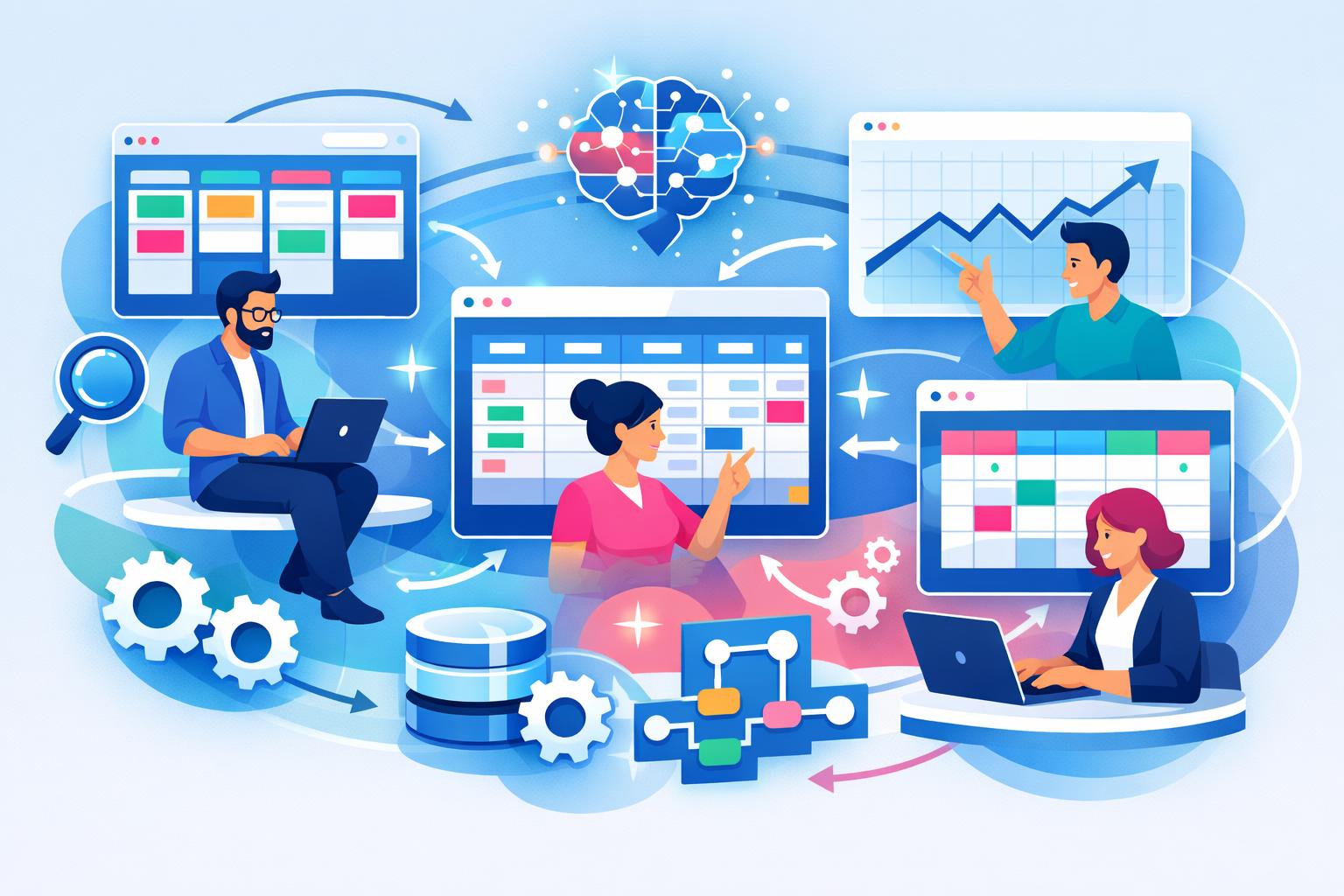
SaaS teams often find themselves managing day-to-day work across spreadsheets, documents, and disconnected apps. While CRMs and billing systems are built for customers and revenue, they rarely cover the internal workflows that fuel company growth. Learning how to create custom workspaces for SaaS teams can help unify these fragmented processes into one flexible system that fits your team’s needs. This guide explores why custom workspaces matter, how to build them effectively, and how they scale with your operations as your business grows.
Why SaaS Teams Need Custom Workspaces Beyond CRM
Traditional tools like CRMs and billing platforms are designed for well-defined structures—contacts, deals, and invoices. However, SaaS operations stretch far beyond those categories. Your product team needs visibility into sprint progress, your marketing team requires campaign timelines, and your partnership team manages relationships that don’t quite fit a sales pipeline. When these workflows split across multiple tools, context gets lost and efficiency drops.
Custom workspaces allow you to map internal processes in the same way you map customers and revenue. Instead of forcing every activity into rigid systems, your team can design unique data models that reflect real responsibilities—from sprint stages to feedback loops. Platforms like MainFoundry take this further by linking these internal workspaces directly to CRM records, keeping operations and customer context connected.
“Custom workspaces bridge the gap between customer data and internal workflows so teams operate with shared context and unified visibility.”
How to Create Custom Workspaces That Track Anything
Building effective custom workspaces starts with a flexible data foundation. Each workspace should serve a specific purpose—such as development sprints, customer feedback, or partnership tracking—with fields that match the type of data involved. For instance, a sprint workspace might include assigned engineers and release dates, while a partnership workspace could focus on deal stages or expected value. Defining custom fields without engineering help is what makes this flexibility powerful.
Workspaces also need multiple views. Kanban boards visualize flow and bottlenecks; tables simplify sorting and reporting; calendar views help plan releases and content. When switching views doesn’t require duplicated data, teams stay organized and aligned without wasting time maintaining multiple tools. Real-time collaboration ensures everyone sees updates instantly—whether it’s a comment, status change, or link to a customer record.
Modern platforms like MainFoundry are designed around this concept. With custom workspaces for internal processes, SaaS teams can model development sprints, structured feedback, or partnership pipelines—all connected to CRM data. For example, a sprint task can reference affected customers, while a feedback entry can link directly to the account that submitted it.
Connected workspaces unify projects, feedback, and partnerships under one system—eliminating handoffs and ensuring real-time visibility.
Designing Workspaces That Scale With Your SaaS Team
Scaling custom workspaces involves balancing flexibility and structure. Start by standardizing only the elements that need consistency, such as shared status options for easier reporting. Over-standardization, however, can limit innovation, so keep customization at the edges where teams operate differently. Ownership and automation are next—automatically assigning tasks or deadlines when stages shift keeps your team accountable without manual effort.
Visibility matters at scale. Managers need enough insight to ensure work is progressing without drowning in details. Summary dashboards and AI-driven insights can highlight blockers and summarize activities. Platforms offering an AI assistant for workspace insights can detect trends or delays and prompt action before problems grow. When combined with secure, permissioned workspaces, these tools ensure collaboration without compromising sensitive data.
Pro Tip: Integrate automated task management with your custom workspaces so follow-ups from sprints, feedback, and partnerships appear on a single global task list—no tool switching required.
Key Takeaways
- Custom workspaces extend CRMs and billing systems by capturing real operational workflows.
- Flexibility and multiple views keep data accessible and collaborative across departments.
- Linking customer data with internal processes ensures every action is contextually grounded.
- Scaling workspaces requires smart automation, visibility, and security controls.
Related Reading
Explore how unified CRM and workspace systems boost SaaS collaboration in MainFoundry’s guide to integrated SaaS operations.