
Business Platform for
The All-in-One Business Platform for Modern SaaS Teams. Unified CRM, Marketing Automation, and Subscription Billing for B2B companies.
Product
MainFoundry unifies CRM, marketing automation, subscription billing, and business operations into one seamless platform. Built on Azure with modern technology, managing your entire business has never been easier.
Dashboard
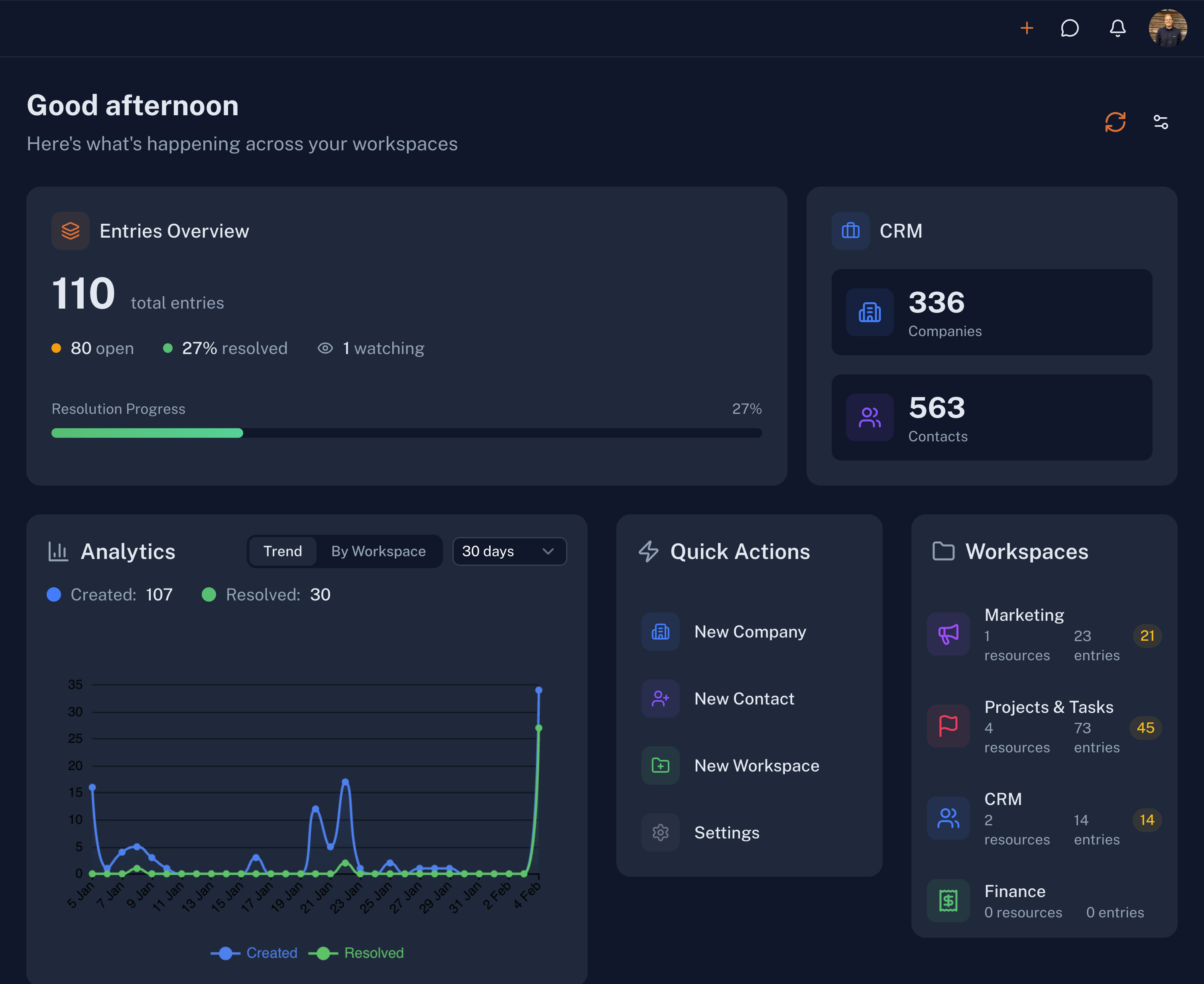
Overview of your business at a glance. Key metrics like companies, contacts, tasks, and revenue. Activity feed showing recent actions across the system. Quick shortcuts to common tasks.
Tasks
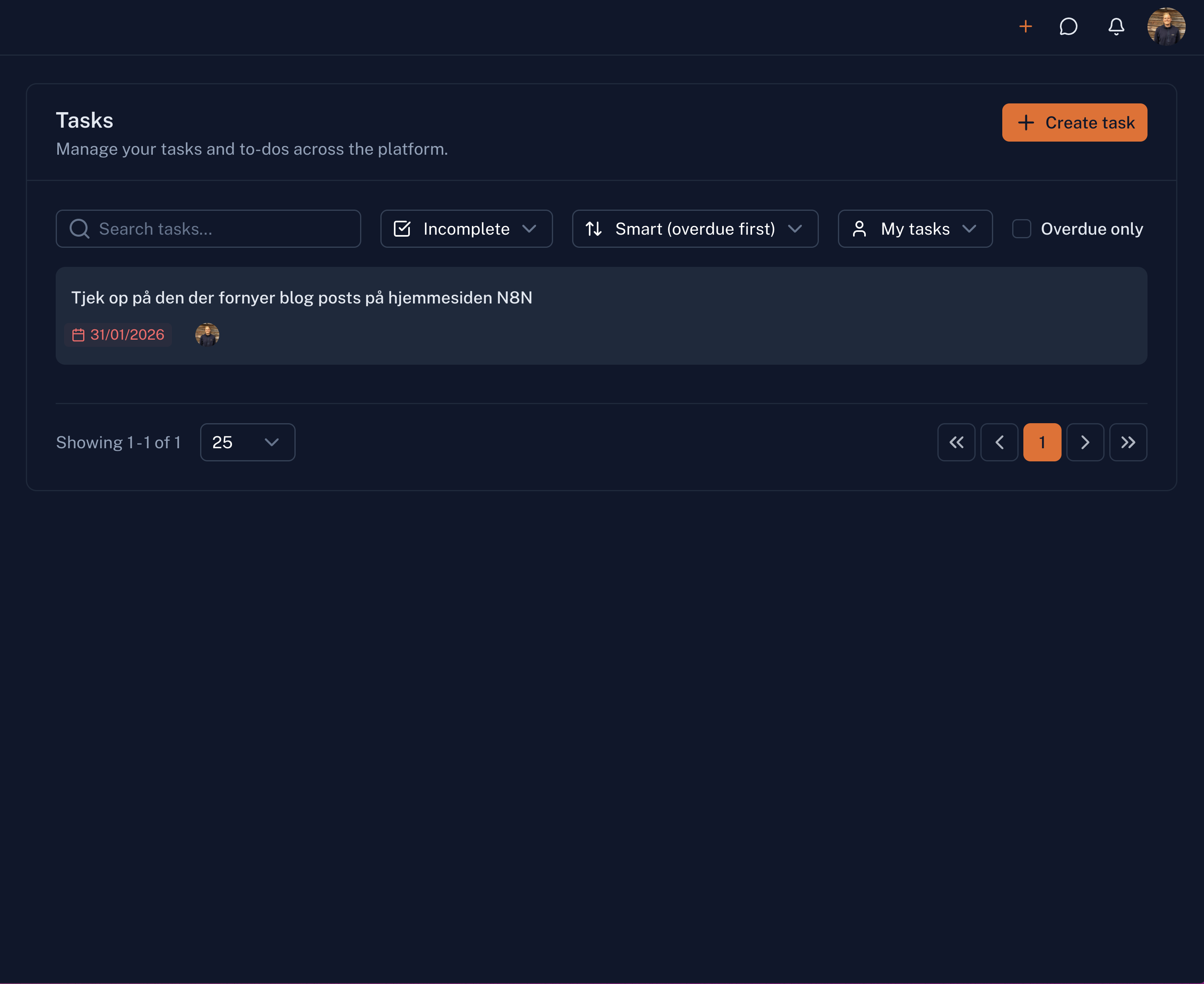
Organize and track work across your team. View your assigned tasks, manage team tasks, and stay on top of overdue items. Set deadlines, add notes, and track progress all in one place.
Workflows
Create automated workflows for customer onboarding, invoicing, and business processes. Reduce manual work and scale faster with visual workflow builders.
Documents
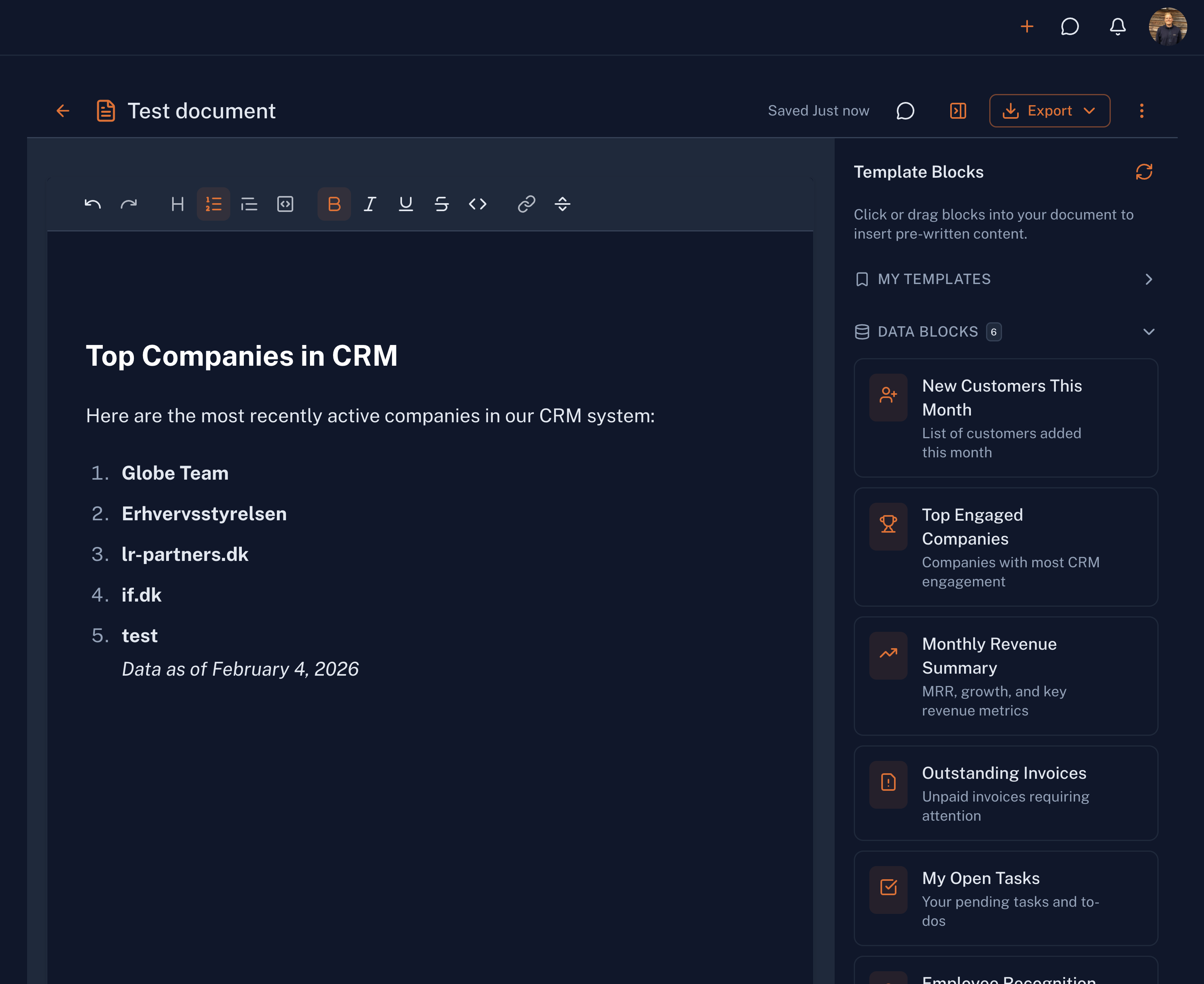
Central document management for your organization. Store, organize, and share files with your team. Link documents to companies, contacts, and deals for complete context.
Companies
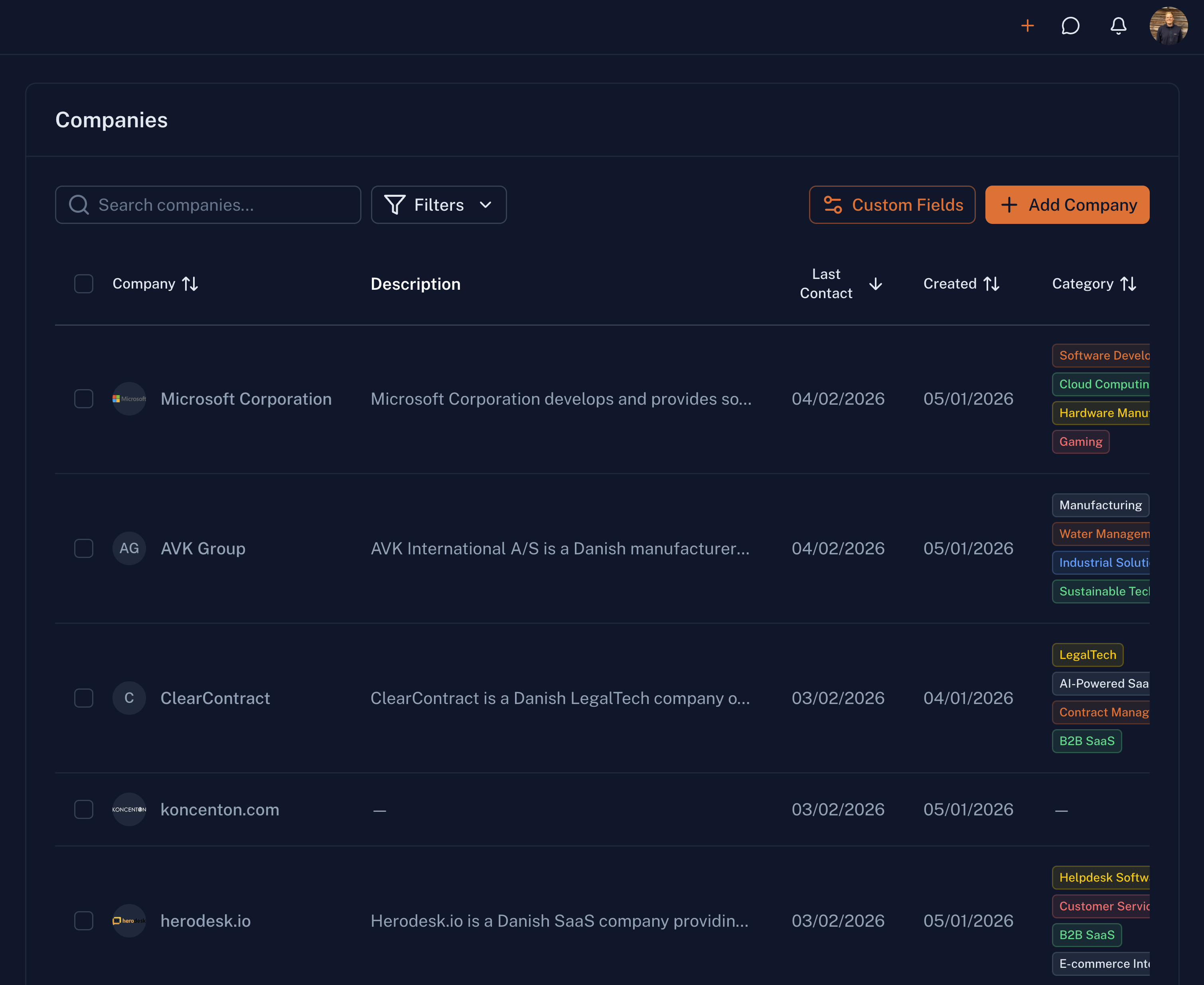
Store and track businesses you work with. View notes, activity history, deals, and linked contacts. Build a complete picture of every organization in your network.
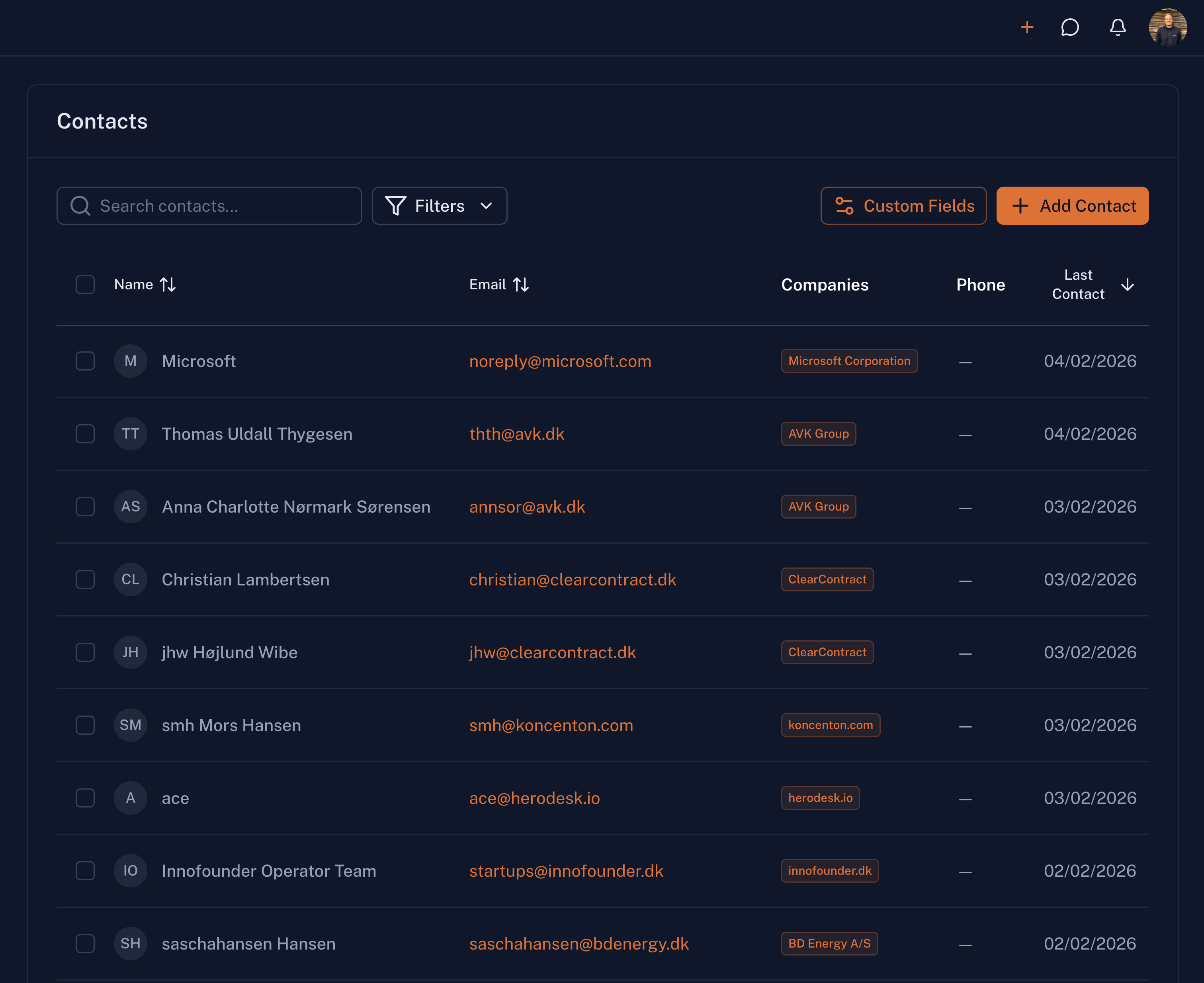
Contacts
Individual people linked to companies. Track emails, roles, interactions, and communication history. Keep all your relationship data organized and accessible.
Sales Pipeline
Track sales progress through customizable stages. Forecast revenue, manage close dates, and get visibility into your entire sales pipeline.
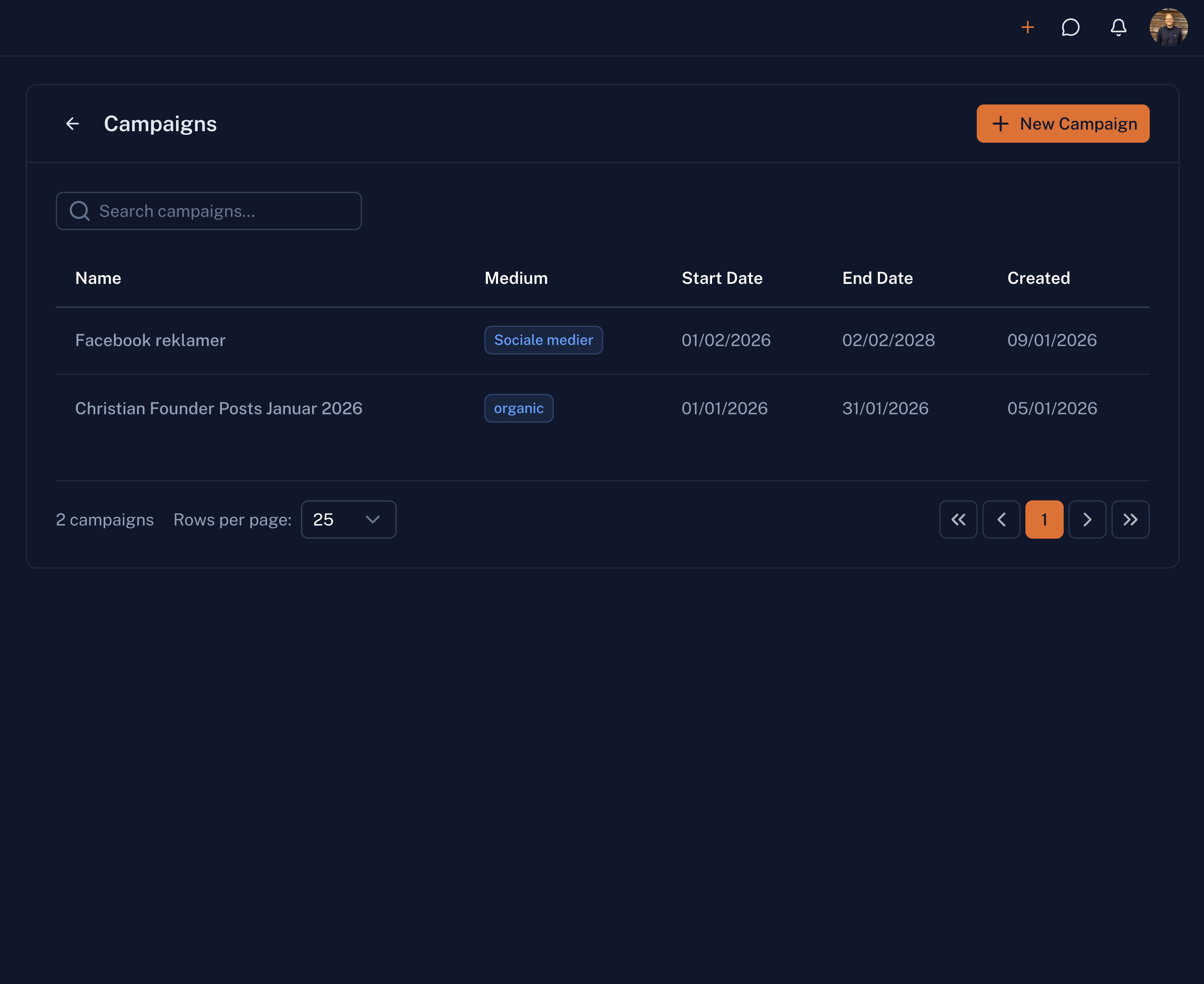
Marketing Campaigns
Plan and execute email and marketing initiatives. Create targeted campaigns, track engagement, and measure results to optimize your marketing efforts.
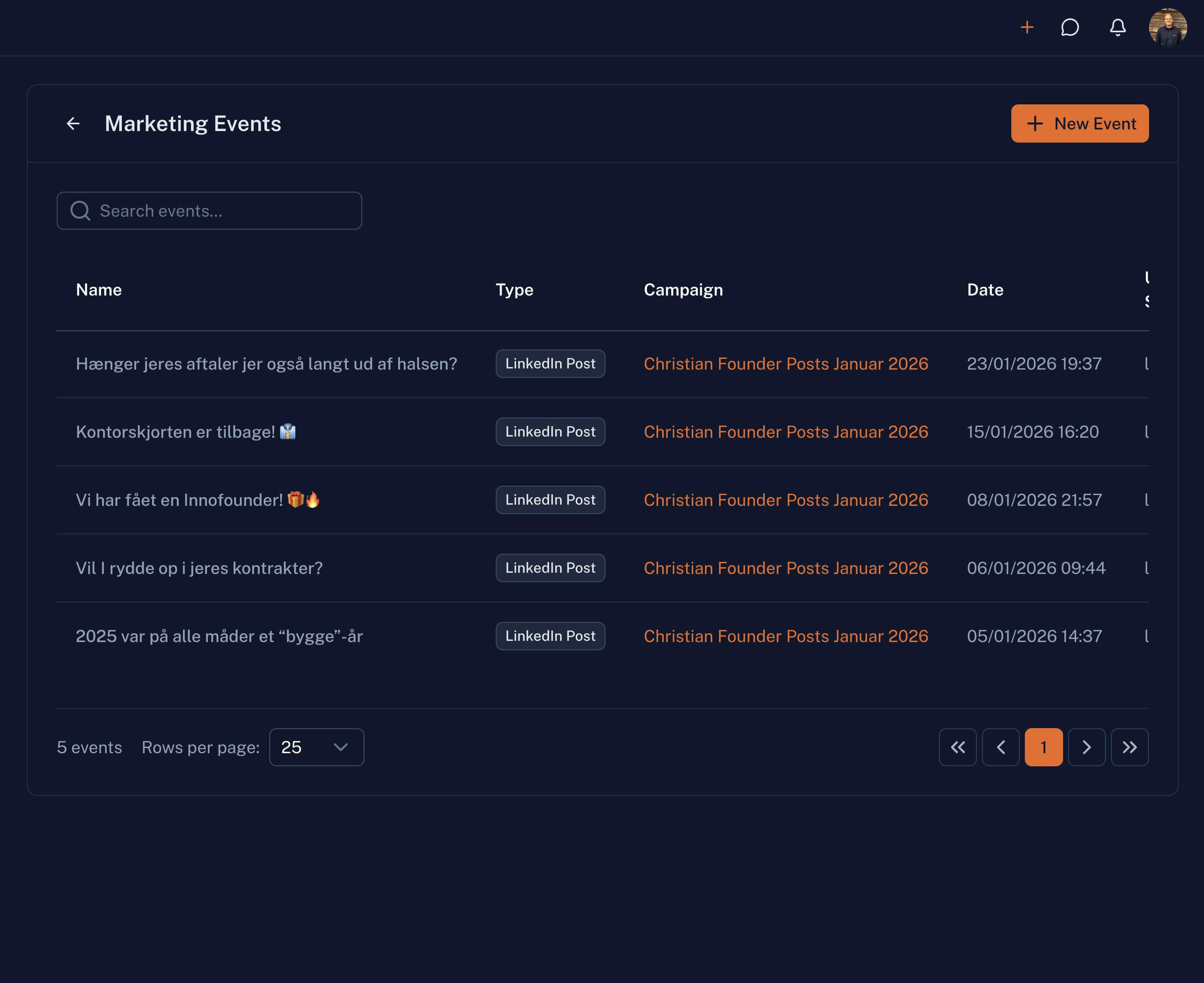
Marketing Events
Track launches, promotions, webinars, and other marketing events. Manage registrations, follow up with attendees, and measure event ROI.
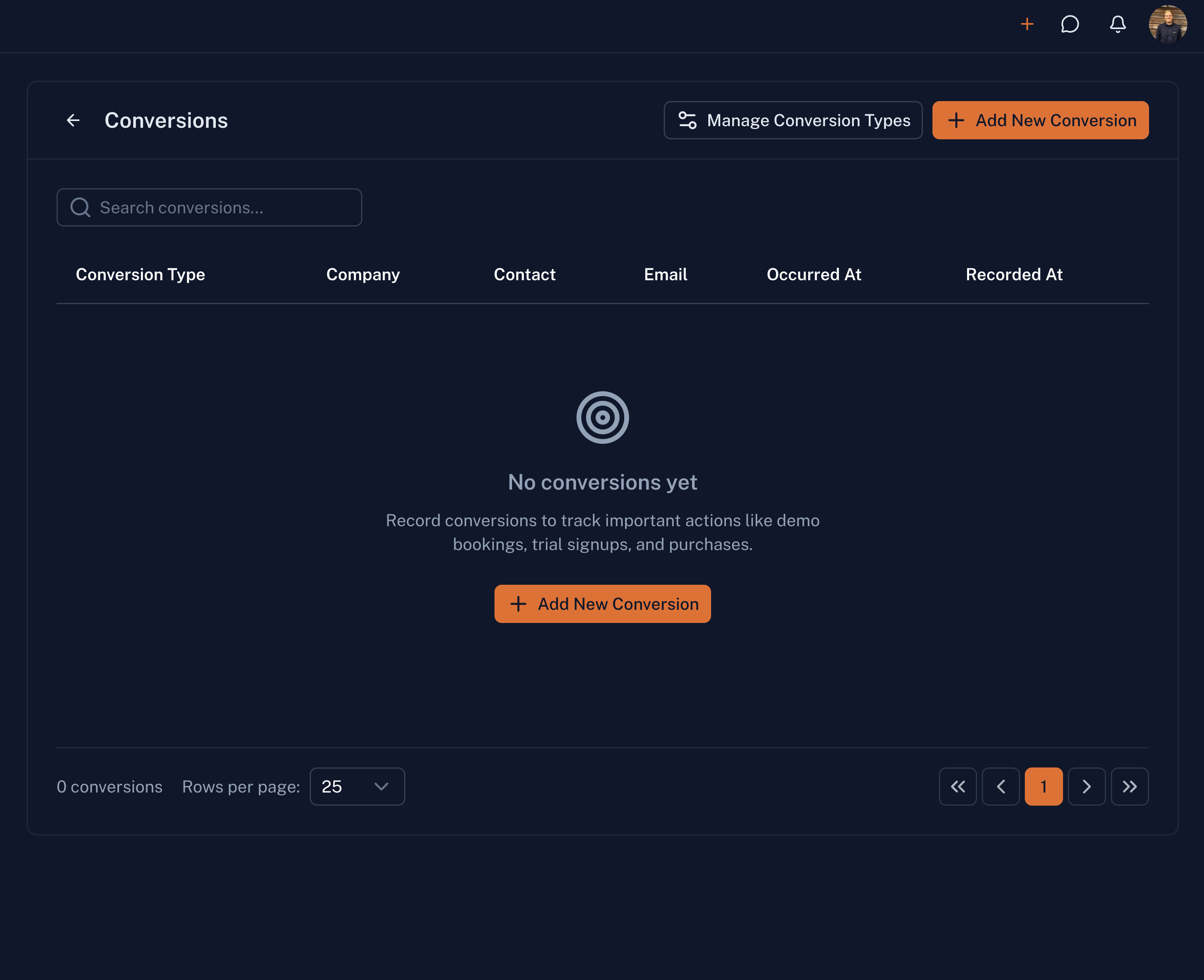
Conversions
Track conversion events across your marketing funnel. See which touchpoints drive results and optimize your conversion rates.
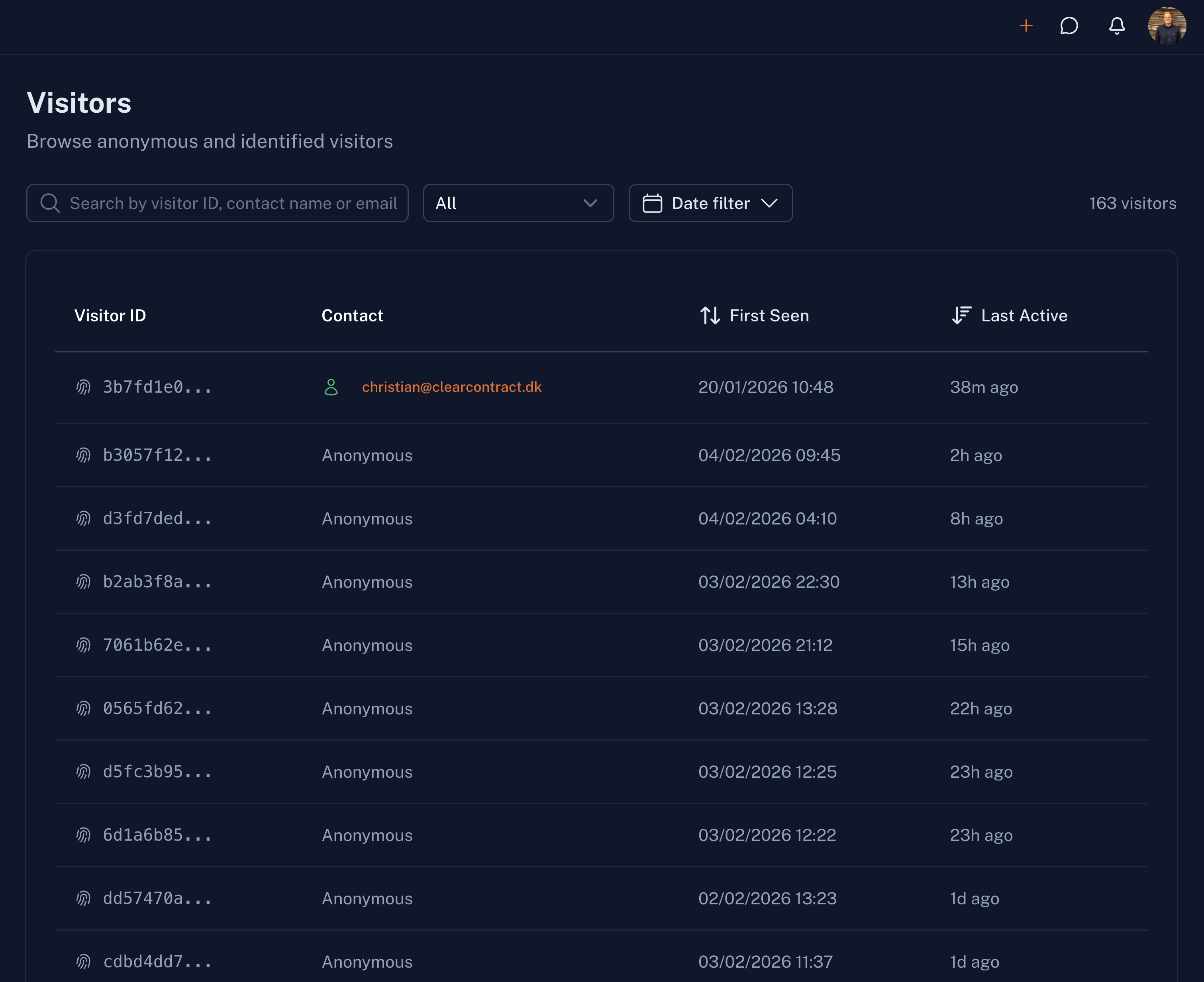
Website Visitors
Track anonymous and identified visitors on your website. See which pages they visit, how long they stay, and which companies are showing interest.
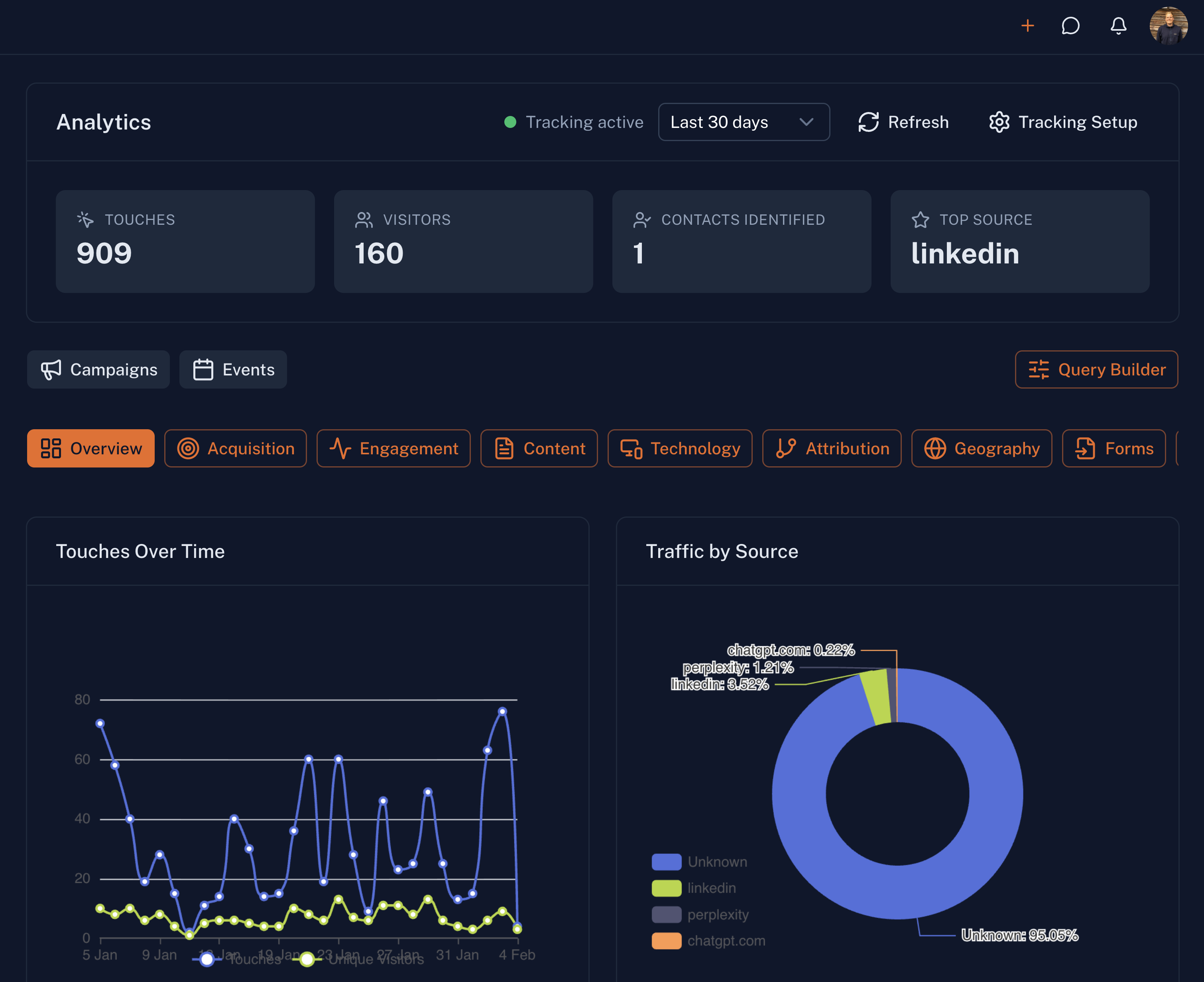
Marketing Analytics
Performance metrics and engagement data for all your marketing activities. Understand what drives revenue and make data-driven decisions.
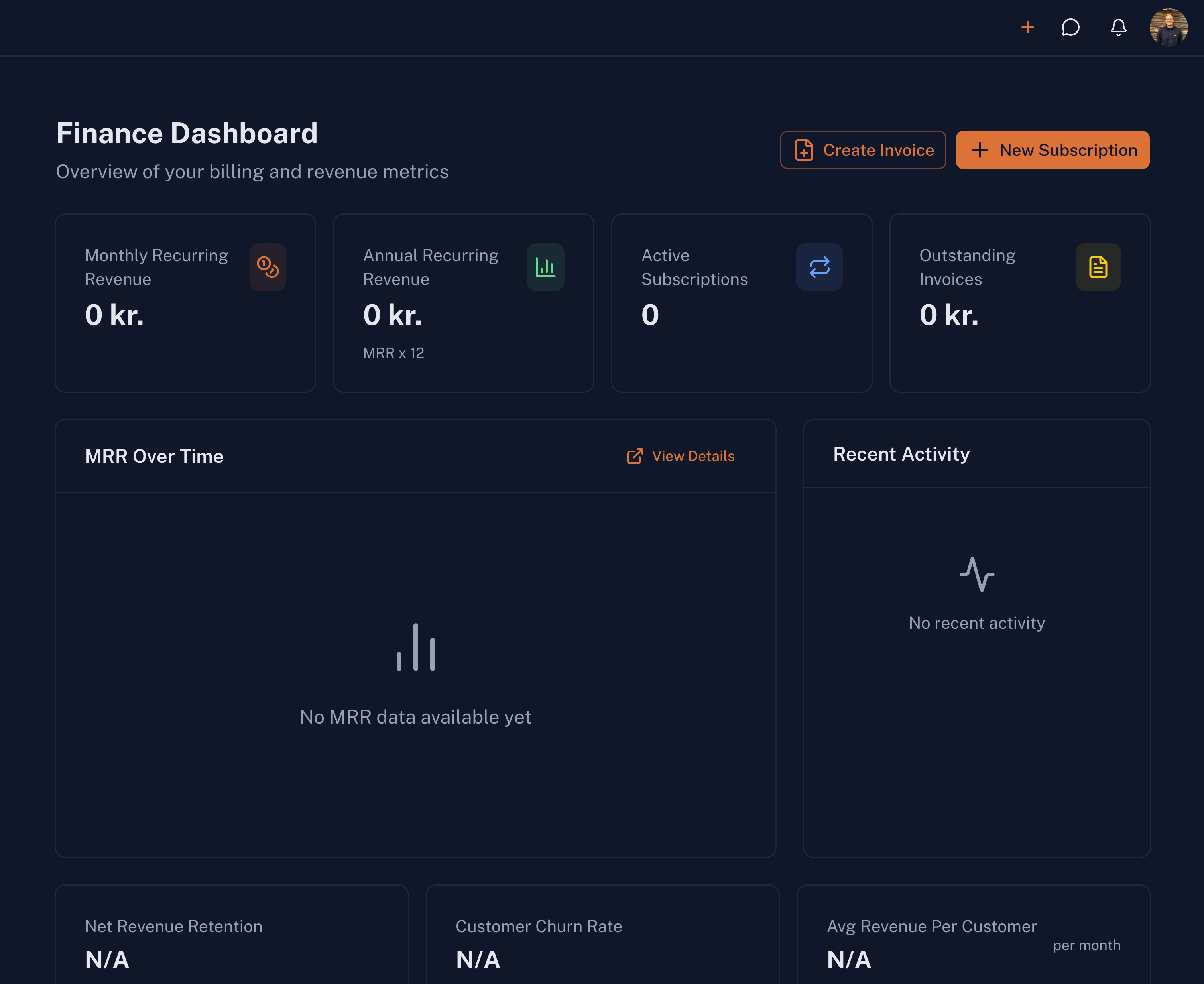
Finance Dashboard
Track money coming in and going out at a glance. Revenue charts, outstanding invoices, expense breakdowns, and key financial metrics.
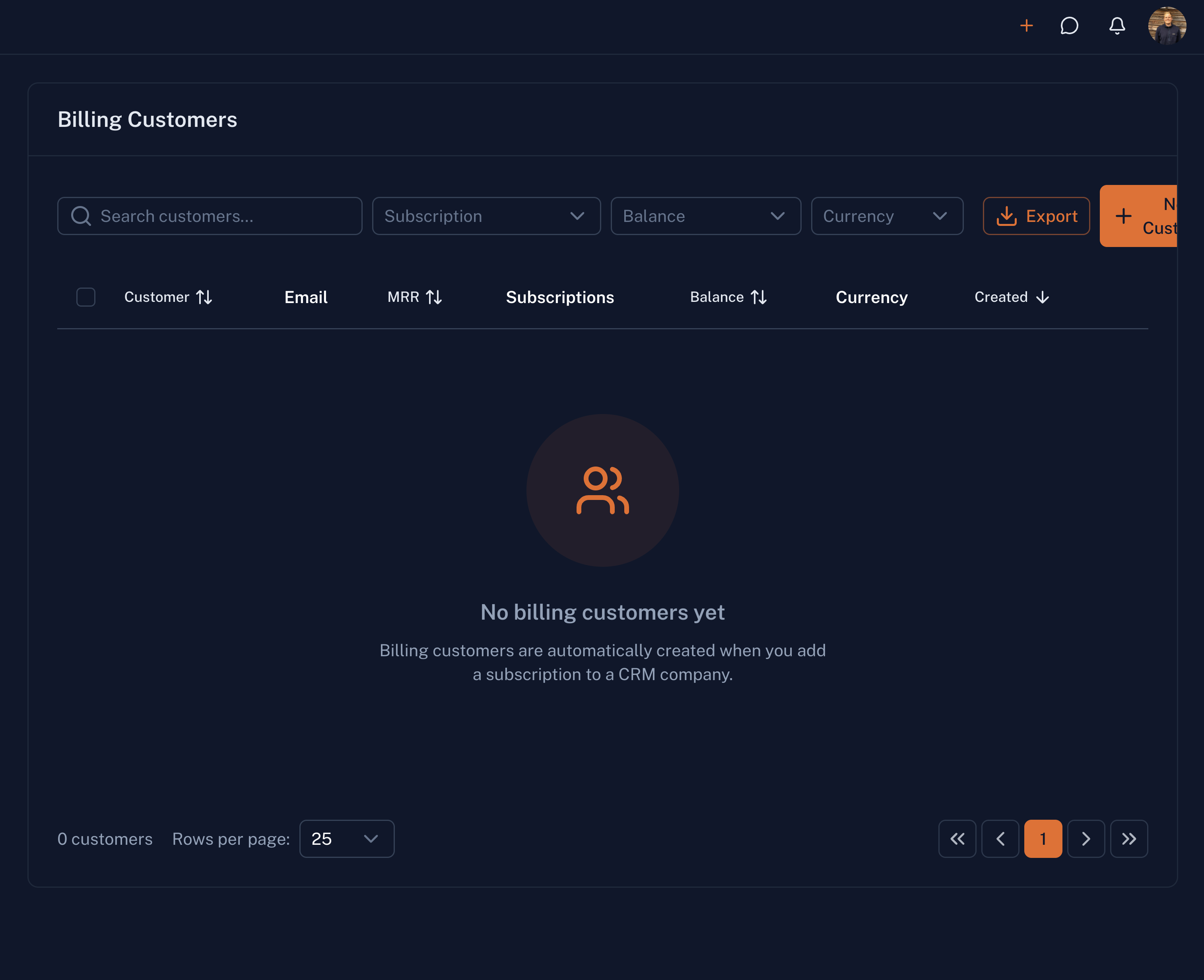
Billing Customers
Manage billing relationships with your customers. View payment history, subscription status, and outstanding balances for each account.
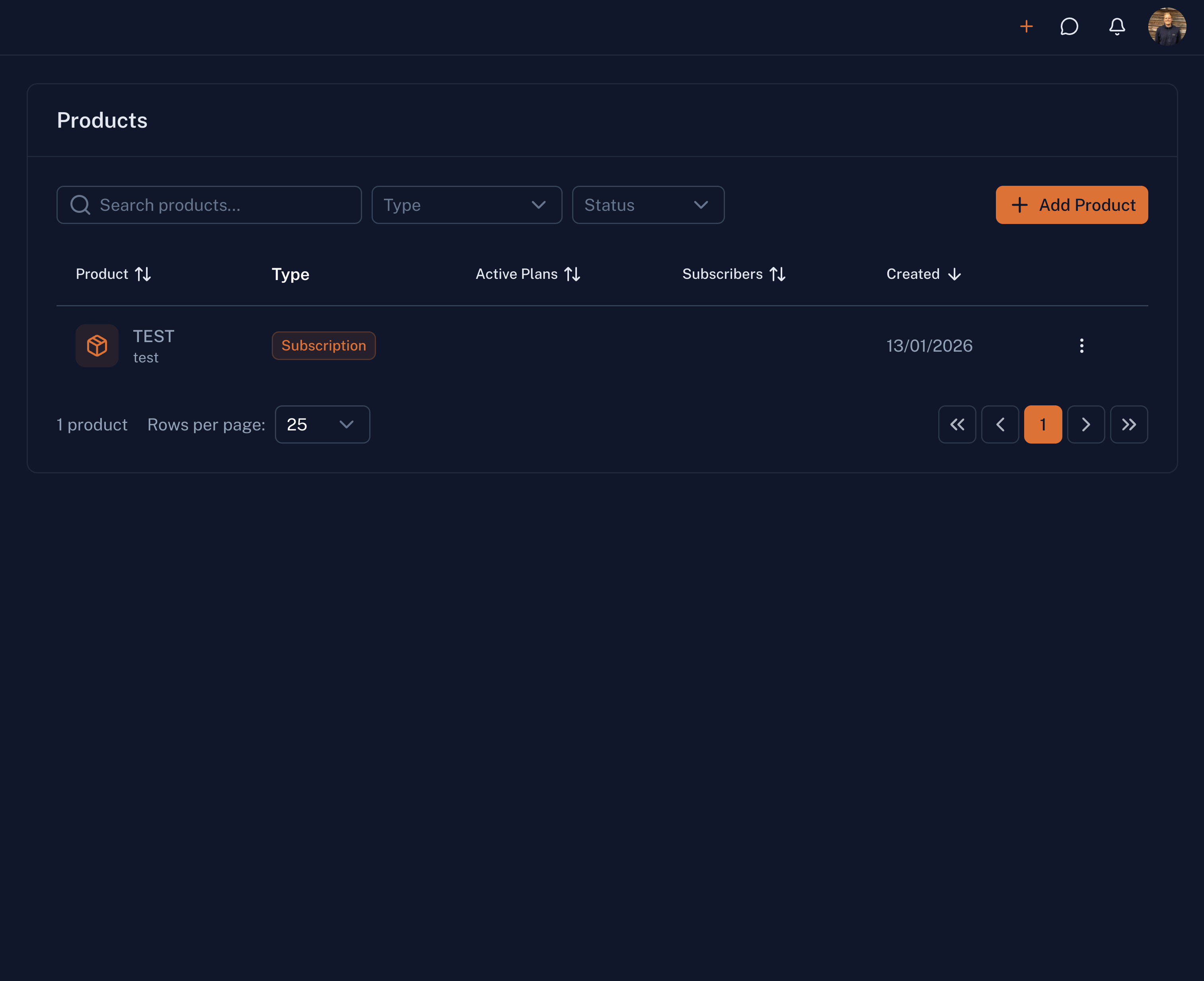
Products & Pricing
Define your products, services, and pricing. Create flexible pricing models, bundles, and one-time or recurring items for your catalog.
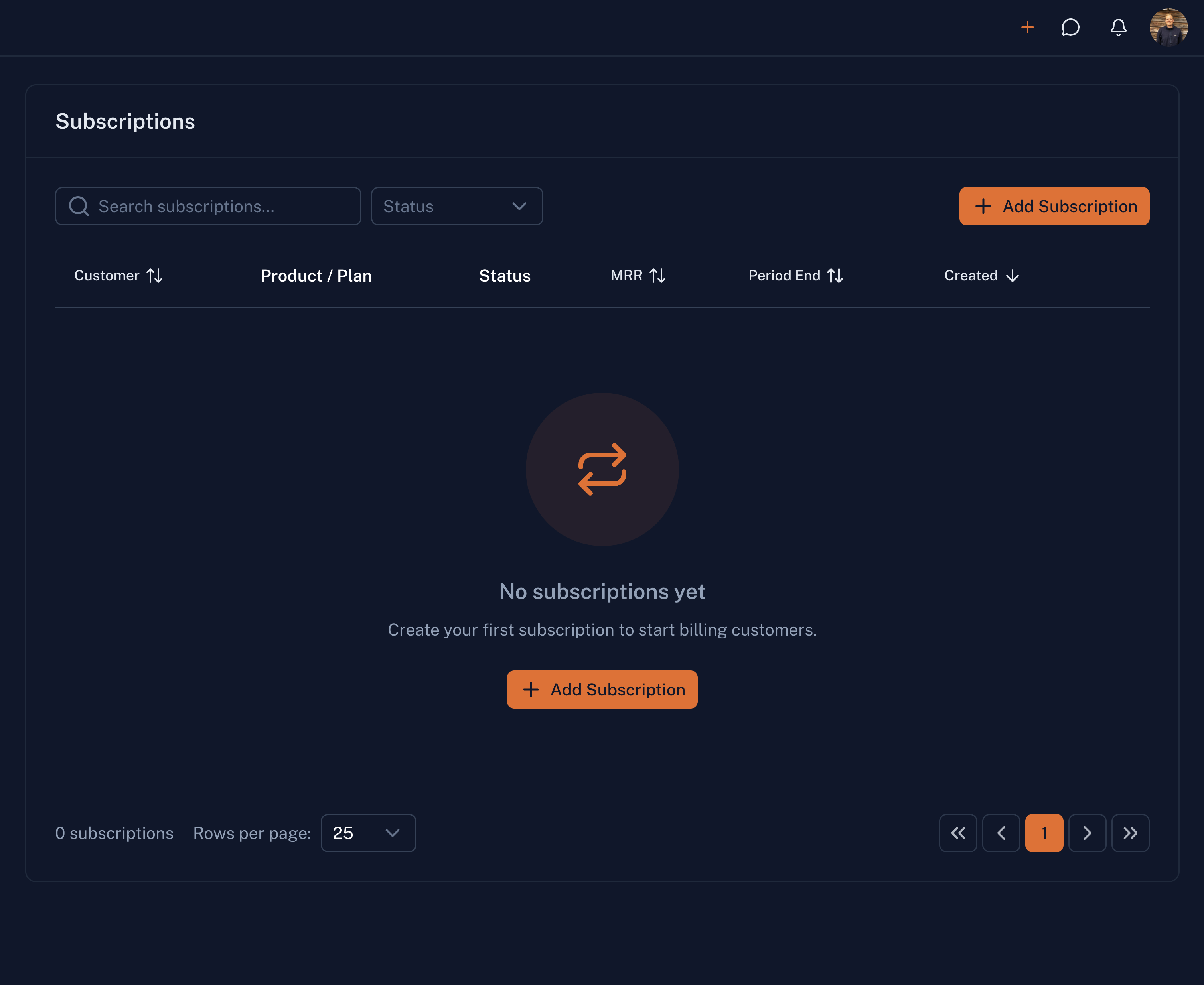
Subscriptions
Manage recurring subscriptions and billing cycles. Track renewals, upgrades, downgrades, and churn across your customer base.
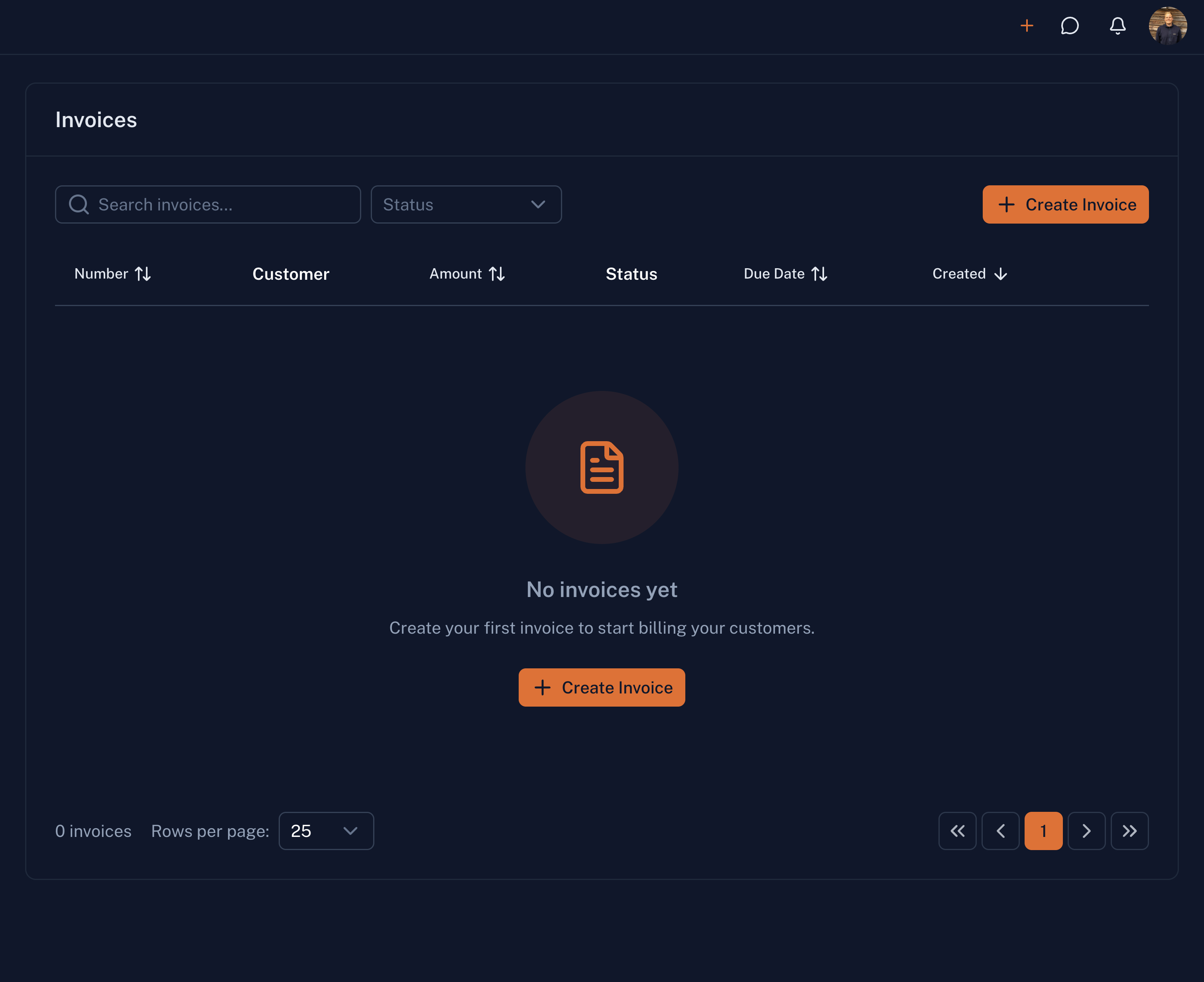
Invoices
Create and manage customer invoices. Send professional invoices, track payment status, and automate recurring billing.
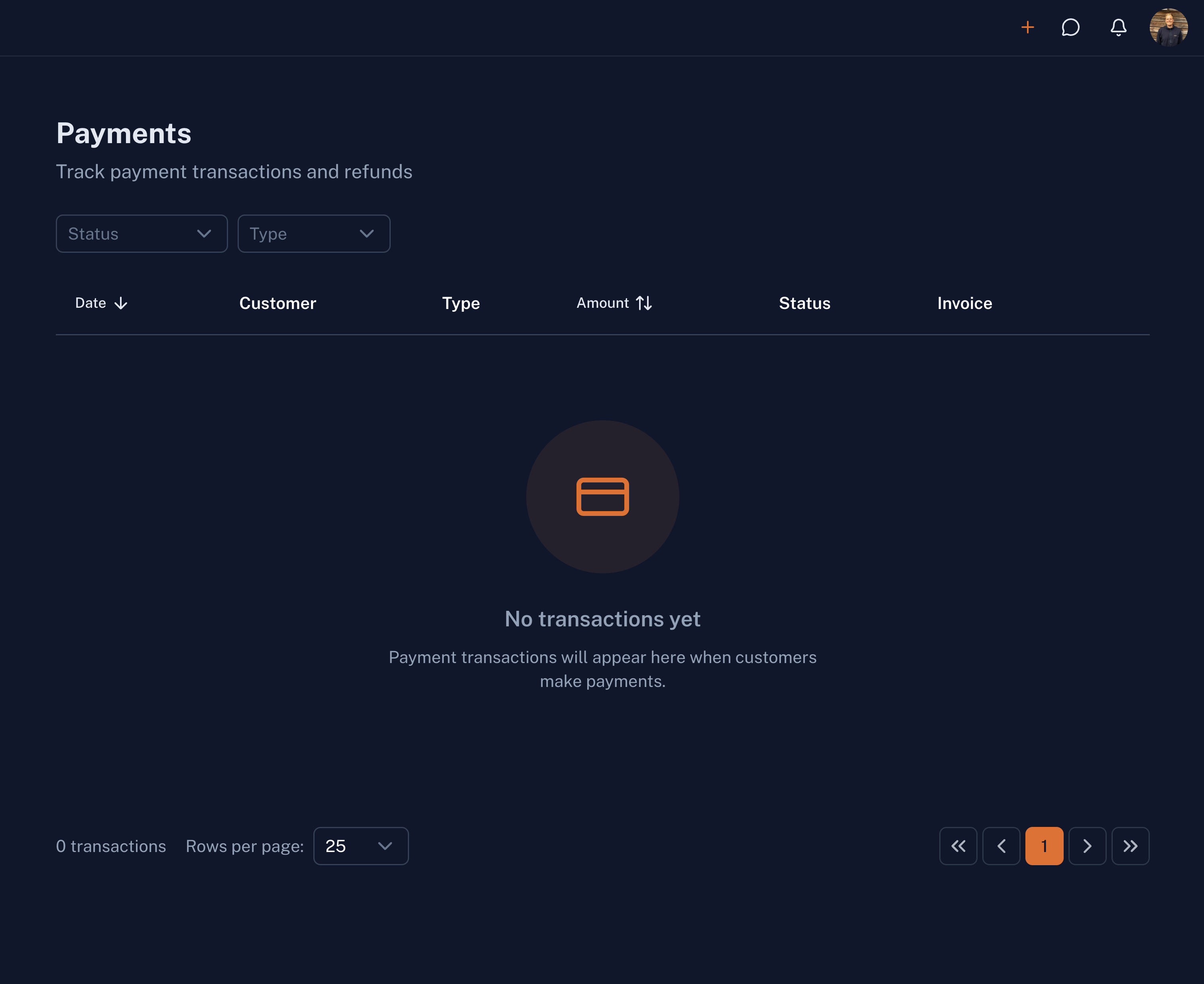
Payments
Track received and pending payments. Reconcile transactions, manage payment methods, and get paid faster.
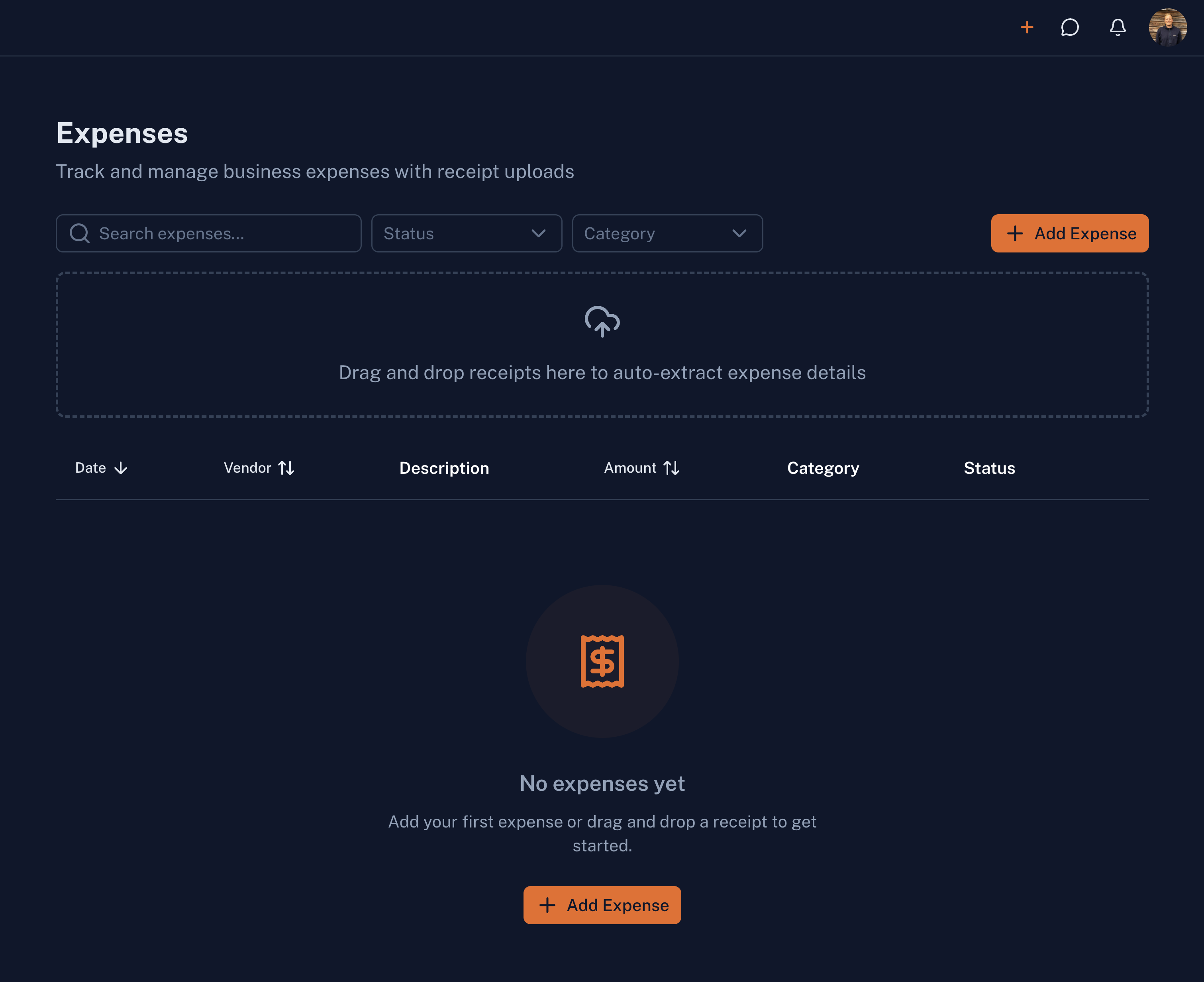
Expenses
Log and categorize business costs. Track vendor payments, categorize expenses, and maintain accurate financial records.
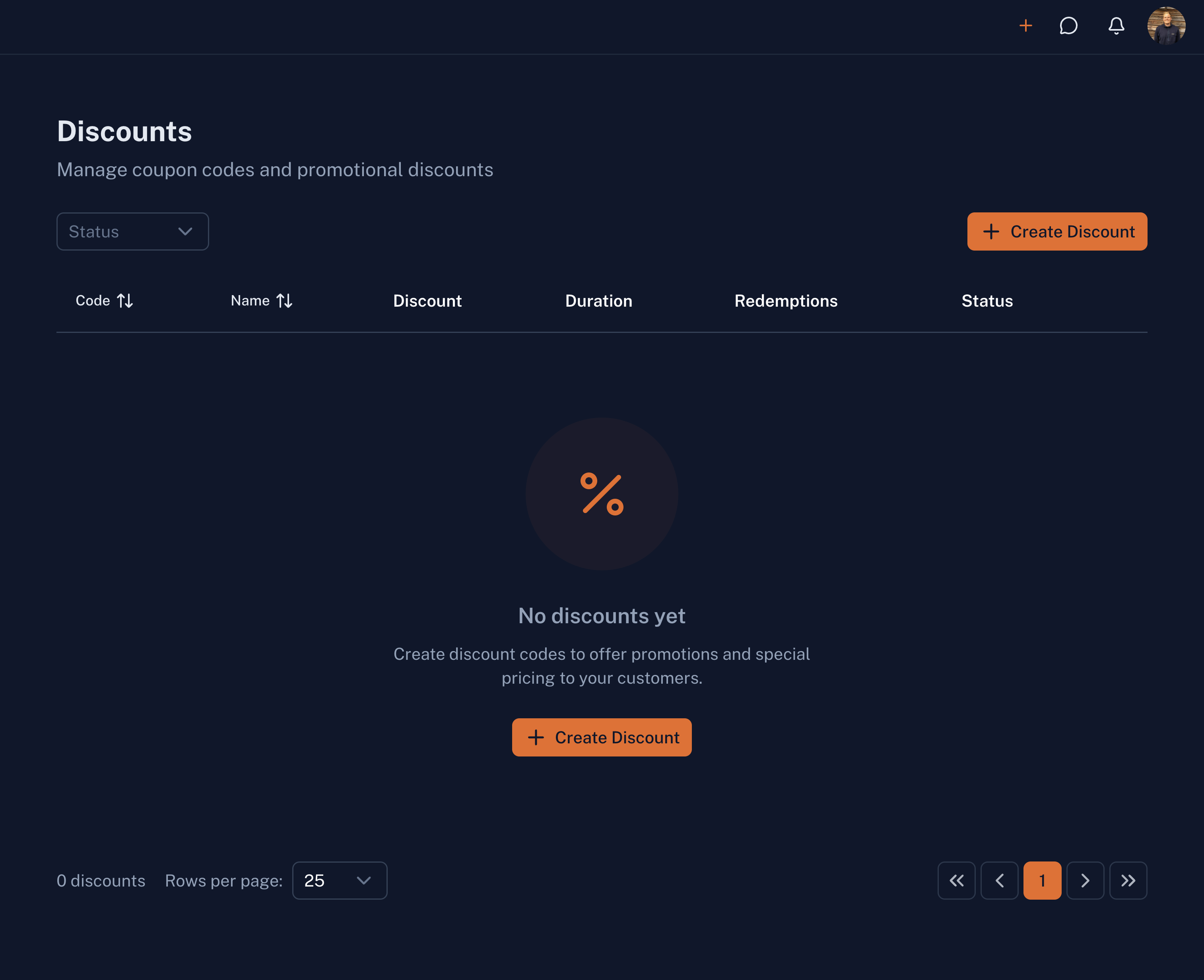
Discounts & Coupons
Create and manage discount codes and promotional offers. Set up percentage or fixed discounts, usage limits, and expiration dates.
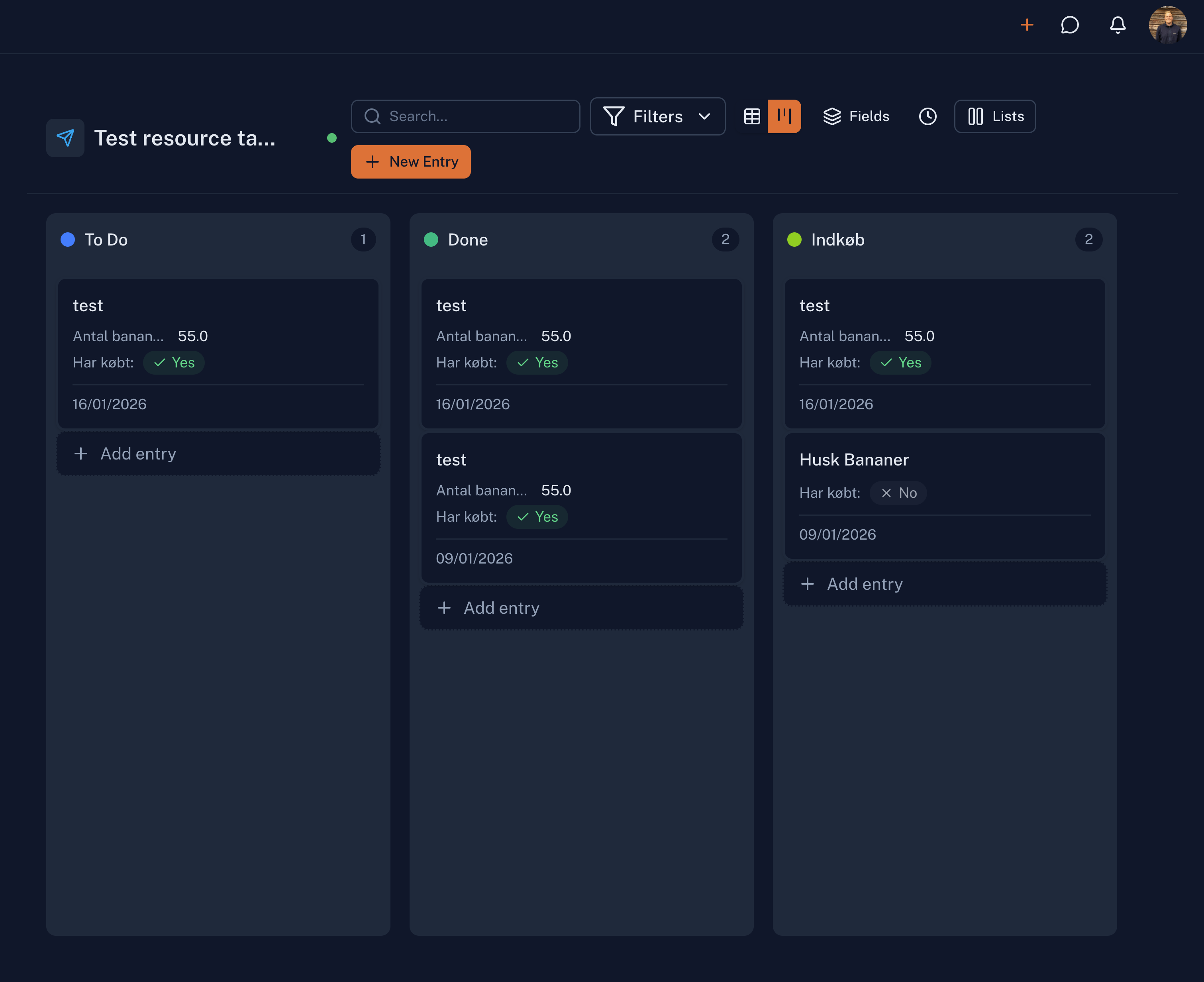
Custom Workspaces
Flexibility in the front seat, tailored to your needs. Create custom workspaces for development tasks, customer todos, task management, or anything else your business requires.
Dashboard
Overview of your business at a glance. Key metrics like companies, contacts, tasks, and revenue. Activity feed showing recent actions across the system. Quick shortcuts to common tasks.
Security
Deployed on Microsoft Azure, MainFoundry is built to handle sensitive business data with enterprise-grade security, RBAC, SSO, and audit logging.




One. Unified. Platform.
Platform you can trust
Hours saved per week
Reduction in tool costs
Faster customer onboarding
Improved data accuracy
We integrate with



Frequently Asked Questions
Our team is working round the clock to answer your questions.
You are always welcome to reach out!
Ready to simplify your business?
Unified platform for CRM, Marketing, and Billing.
Built for modern B2B SaaS teams.